

Barn and Castle Wi-Fi: Guest Photos When Signal Dies
Barns, fields, marquees and castles often kill guest Wi-Fi mid-reception. Here is how UK couples still collect photos — ask the venue early, plan for offline shooting, and let people upload later.

Written by
Guestlive Editorial
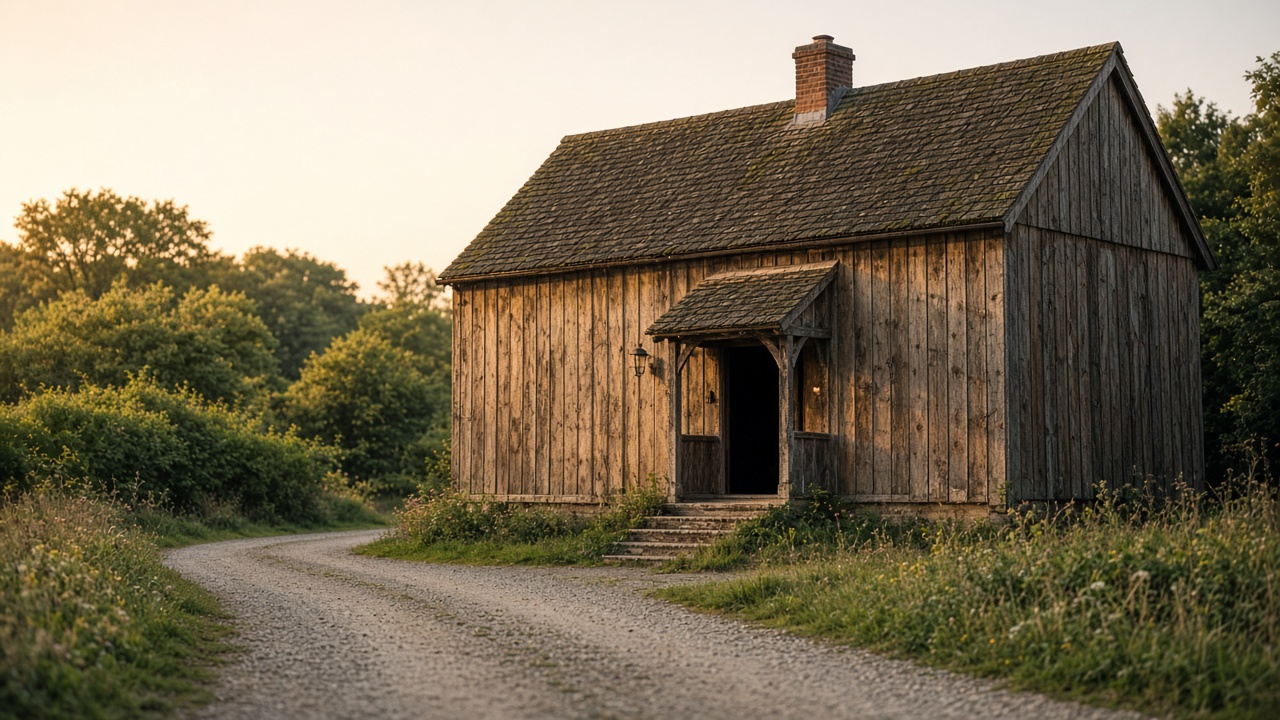
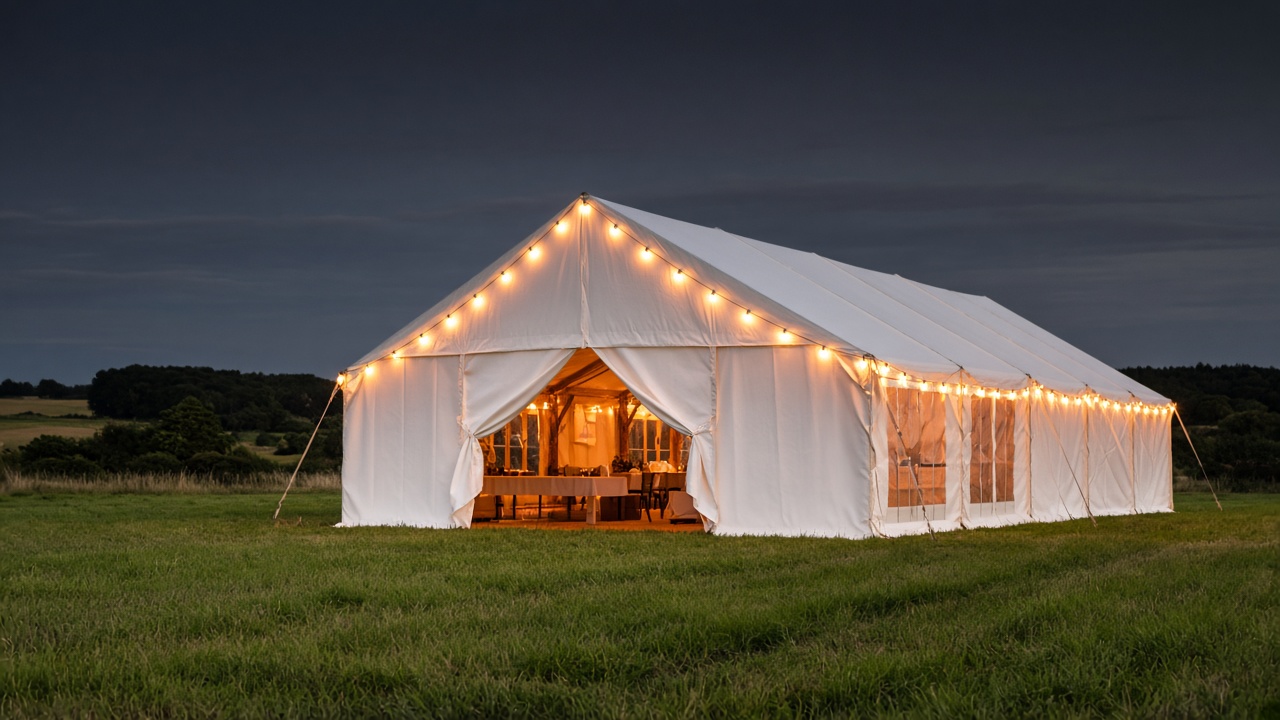
UK couples love barns, fields, marquees and castles. Guests love them too — until everyone tries to upload a photo at once and the signal folds. Thick stone, open farmland and temporary power look beautiful and behave badly for mid-party galleries. You do not need perfect Wi-Fi to keep the candids. You need a plan that assumes the network will fail.
Last updated: 16 September 2026
Jump to
- Why barns, fields and castles drop signal
- What to ask the venue
- Shoot now, upload later
- QR codes that open a browser
- Live photo walls need a plan B
- Mobile data, hotspots and etiquette
- Venue Wi-Fi vs guest data vs upload-later
- A calmer gallery when the barn goes quiet
- Frequently asked questions
Why barns, fields and castles drop signal
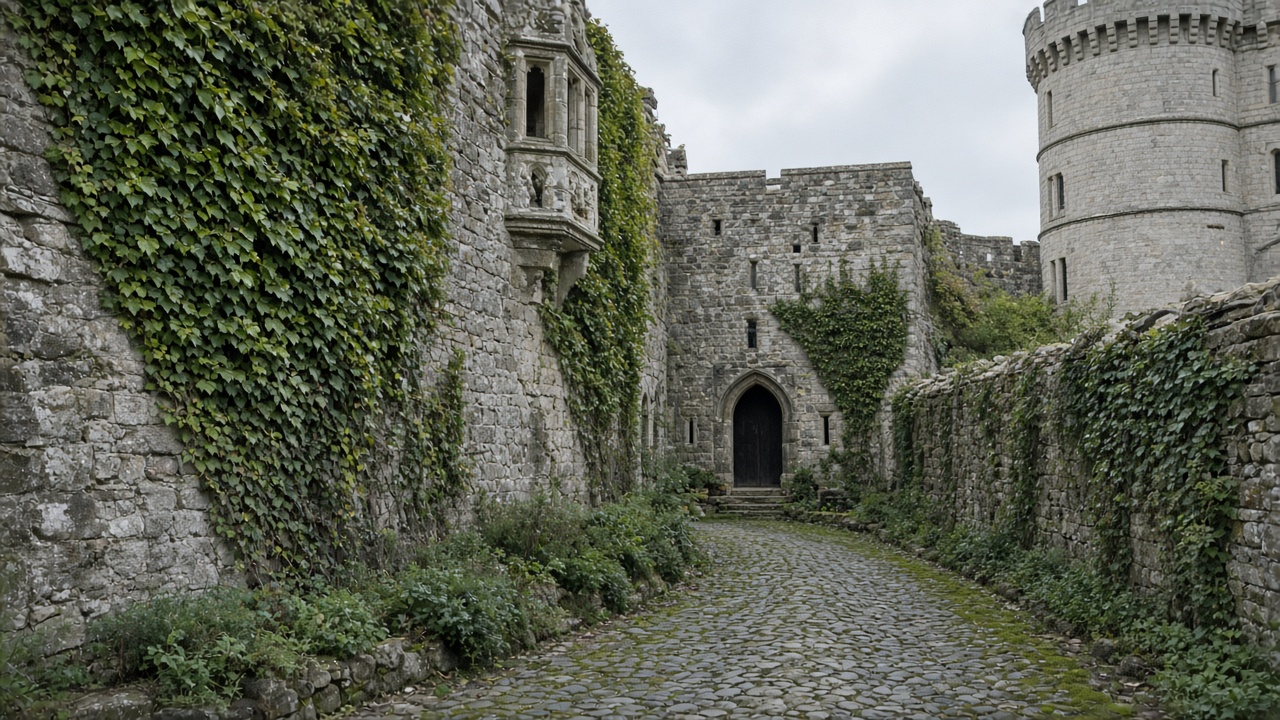
Rural and heritage venues fail guest uploads for boring physical reasons. Stone walls and metal roofs block venue Wi-Fi and phone masts. Fields and marquees sit far from the nearest cabinet. Castles often cannot host the aerials a hotel lobby takes for granted. Add two hundred phones and a live photo wall, and the access point from your site visit is already saturated.
Guests notice intermittent success: a few photos go through early, then uploads stall when the evening crowd joins. People blame the gallery link. Usually the air is the problem. If day and evening guests share one site, say when photos are welcome — and that uploads can wait. That sits neatly beside day and evening guests on one wedding website.
What to ask the venue
Do not assume “we have Wi-Fi” means guests can upload four hundred photos. Ask in writing:
- Is there a guest network separate from staff or supplier Wi-Fi?
- What is the approximate device capacity?
- Where are the outdoor dead zones — courtyard, field bar, car park, church path?
- Do you offer 4G/5G boosters, or will suppliers bring their own?
- Can the DJ, photo wall or toastmaster get a wired or reserved connection?
Walk the site with your own phone on a viewing. Check indoors, under the marquee and at the field edge. Note where signal returns. If the venue is honest that guest Wi-Fi is weak, treat it as planning data — not a reason to cancel the barn.
Shoot now, upload later
The simplest fix is cultural. Tell guests to take photos all day and upload when they have signal — later at the hotel, on the train, or on Sunday at home. A gallery that never closes is the difference between “we missed half the dancefloor” and “the album filled itself over the week”.
Phrase it kindly on the wedding page and table cards:
Signal can be patchy at the venue. Please keep taking photos — upload when you have Wi-Fi or data. The gallery stays open after the wedding.
That matches how guests already behave — when wedding guests actually upload photos is rarely only between drinks and dessert. Keep ceremony rules separate from reception sharing: an unplugged ceremony with a clear photo invite afterwards still works when the barn has no signal.
QR codes that open a browser
At a weak-signal venue, an app download is a double tax: storage, permissions, and a download that will not finish. A QR that opens a simple browser page is lighter. Guests with a bar or two of data can still reach a page; guests with none can save the link or scan again later.
Print the same QR on table cards, the order of service and a board by the bar. Keep the URL short and private. Skip “download our app” language. UK guests are especially unwilling to install something for one Saturday — which is why no-app guest photo collection outperforms app-only tools at countryside weddings. Test the QR on Android and iPhone before print day.

Live photo walls need a plan B
A screen that refreshes as guests upload looks brilliant — until the wall’s laptop and the guests share the same dying access point. If you want a live photo wall at a UK wedding, plan for failure: give the wall a dedicated connection guests cannot flood; pre-load morning photos so the screen is never empty; tell the room the feed may pause and the gallery will catch up overnight; keep a USB slideshow as a silent fallback. The wall is theatre. The gallery is the archive. Protect the archive first.
Mobile data, hotspots and etiquette
Guest mobile data often beats venue Wi-Fi on open fields — and loses inside thick castle walls. Do not ask every table to hotspot the photo wall. Let the couple or planner run one known-good hotspot for critical kit only. Remind overseas guests that roaming uploads can be expensive; encourage shoot-now, upload-later on Wi-Fi. If the venue password is on a chalkboard, expect it to collapse once eighty phones join.
Venue Wi-Fi vs guest data vs upload-later
| Works best | Hotels, modern barns with real capacity | Open fields with decent 4G/5G | Any weak-signal venue |
|---|---|---|---|
| Main risk | Congestion when everyone joins | Dead zones in stone rooms | Guests forget unless reminded |
| Good for | Live walls with reserved bandwidth | A few people uploading in the moment | Full guest album over days |
| Guest effort | Join network + upload | Use data + upload | Take photos; upload when home |
| Verdict | Useful if tested and segregated | Helpful backup, not a strategy alone | The reliable default for barns and castles |
Treat “upload later” as the primary plan. Treat live Wi-Fi as a bonus when it holds.
A calmer gallery when the barn goes quiet
You want one private link guests open in the phone browser — no app install, a QR on the tables, and a gallery that still accepts photos on Tuesday when Auntie is back on home Wi-Fi.
GuestLive is built for that. Couples set up one event page for £29, share a QR or private link, and guests upload in the browser. There is no guest app to download when signal is thin, and galleries never expire — so the cousin who only finds signal on the Monday train still lands in the right album.
Frequently asked questions
Will guest photos still work if the barn has no Wi-Fi?
Yes — if you plan for offline shooting and a gallery that accepts uploads later. Guests keep their camera rolls; they do not need the venue network to take pictures.
Should we pay for a temporary booster?
Ask what it covers and whether guests share it with suppliers. A booster helps live walls and DJ kit more than it guarantees every guest upload at peak hour.
Is mobile data enough for a live photo wall?
Sometimes outdoors; rarely inside thick stone with a full guest list. Give the wall its own connection.
What should table cards say when signal is poor?
Shoot freely, upload when you have signal, gallery stays open. Add the QR. Skip app-download language.
Do galleries need to close a week after the wedding?
No. Plenty of photos arrive late. A gallery with no expiry matches how UK guests actually share.
Barns, fields and castles will keep testing phone signal. Couples who assume the network will fail — and who invite guests to upload whenever they next have bars — still go home with the candids. Test the venue, print a browser QR, protect any live wall with its own connection, and let the album fill after the last taxi leaves the lane.
Ready to start your own celebration?
Set up your event in minutes and start collecting memories with GuestLive.
Create Your Event Today with GuestLiveTags
Join the conversation
Comments are coming soon. Have feedback? Email us at hello@guestlive.co.uk