

How to Run a Live Photo Wall at a UK Wedding Reception
How to run a live photo wall at a UK wedding: projector versus TV, venue rules, when to switch it on, who moderates, the MC line, and a backup if the Wi-Fi dies.

Written by
Guestlive Editorial
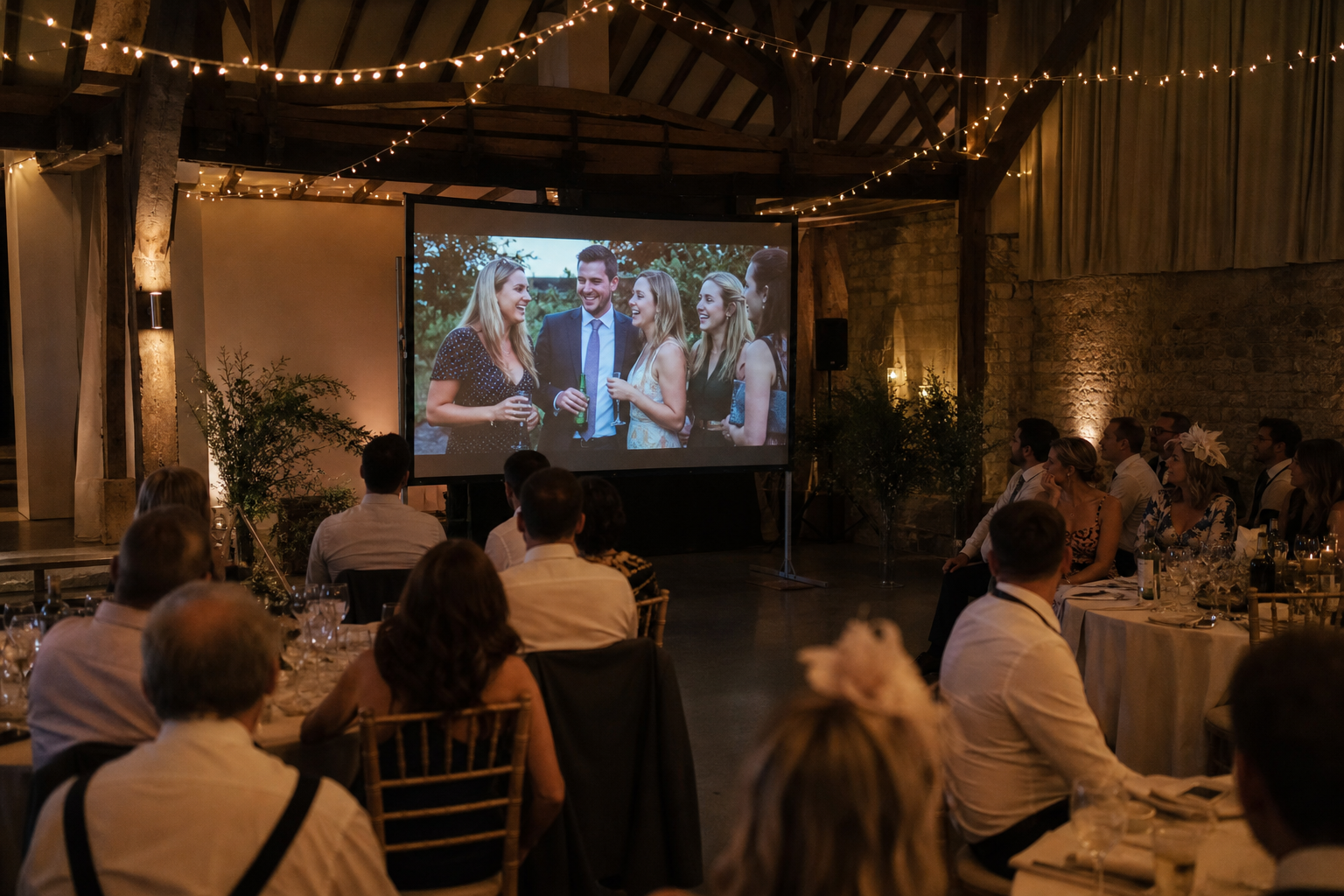
A live photo wall is a screen at your reception that shows guest photos as they land. Do not switch it on for the vows. Turn it on after the ceremony — drinks, dinner or the evening — on a venue TV, a hired projector, or a laptop you already own. Someone must own the HDMI cable, the venue rules, the lighting, and a quiet way to hide a photo before it fills a hotel ballroom. This guide covers kit, timing, moderation, table cards, the MC line, and a backup if the Wi-Fi dies.
Last updated: 26 August 2026
Jump to
- What a live photo wall is for
- Ask the venue before you book the kit
- TV, projector or a spare iPad
- When to switch the wall on
- Light the room so people can see it
- Put one person on moderation
- Table cards and a one-line MC script
- If the Wi-Fi dies
- When a paid live wall is worth it
- Frequently asked questions
What a live photo wall is for
It is a room trick, not the album. A photo from table nine hits the screen, someone cheers, and a few more people add a picture. Plenty of guests will still send photos after the last train — when they actually upload is a different job. Keep the gallery open. The wall is for the people still in the room.
Guests add pictures from the phone they already have — camera-scan or a private link in the browser. The screen is a separate laptop, plugged into the TV or projector. Those are two jobs. Plan both.
Ask the venue before you book the kit
Email the coordinator with the floor plan — not the duty manager on the day.
- May we use a TV or projector in the reception room, and who may plug into it?
- HDMI, or casting only? Bring a 5-metre HDMI and a USB-C adaptor anyway.
- Is that screen already booked by the DJ or band for names, menus or the first dance?
- Guest Wi-Fi, plus a staff network or wired socket for the display laptop?
- Where can a screen stand without blocking a fire exit, a doorway, or the photographer’s first-dance shot?
- May we gaffer tape a cable along the skirting? Where are the sockets, and can the lights nearest the screen be dimmed?
A hotel ballroom often has a wall screen — do not unplug the bar Sky box to find out. A village hall often has a ceiling projector. A barn or marquee may have nothing but a socket behind the bar. If they say no, hire a 55-inch TV on a stand, or bring a projector you have tested.
TV, projector or a spare iPad
Pick the display for the room you have.
| Best for | Hotel ballroom, modern barn, a mounted screen | Village hall, dark barn, evening-only room | Moderator, gift table, emergency backup |
|---|---|---|---|
| Daylight | Holds up at drinks | Washes out in a sunlit marquee | Fine up close, invisible across a room |
| Setup | HDMI into the existing screen; ask before you unplug anything | Pale wall or pull-down screen, a darker patch, a table that will not get kicked | Open the live view, disable sleep, keep it on charge |
| Main risk | Venue says no; DJ already booked it | Ambient light; someone walking through the beam | Too small to feel like a wall |
| Verdict | First choice if the room already has one | First choice when the room is dark and there is no TV | Always pack one. Never rely on it as the only wall |
Open the live view in the afternoon. Set the laptop never to sleep, plug in the charger, hide the lid. Full screen, no dock, no “low battery” banner at 9pm.
When to switch the wall on
Not during the ceremony. Not for the vows, the signing, or the walk back down the aisle. In a church, a registry office or a quiet barn ceremony the screen should be off, or not in that room.
Drinks. The first sensible window. Guests already have phones out for group shots. A screen by the bar or the lawn entrance is enough. Keep it off the photographer’s formals.
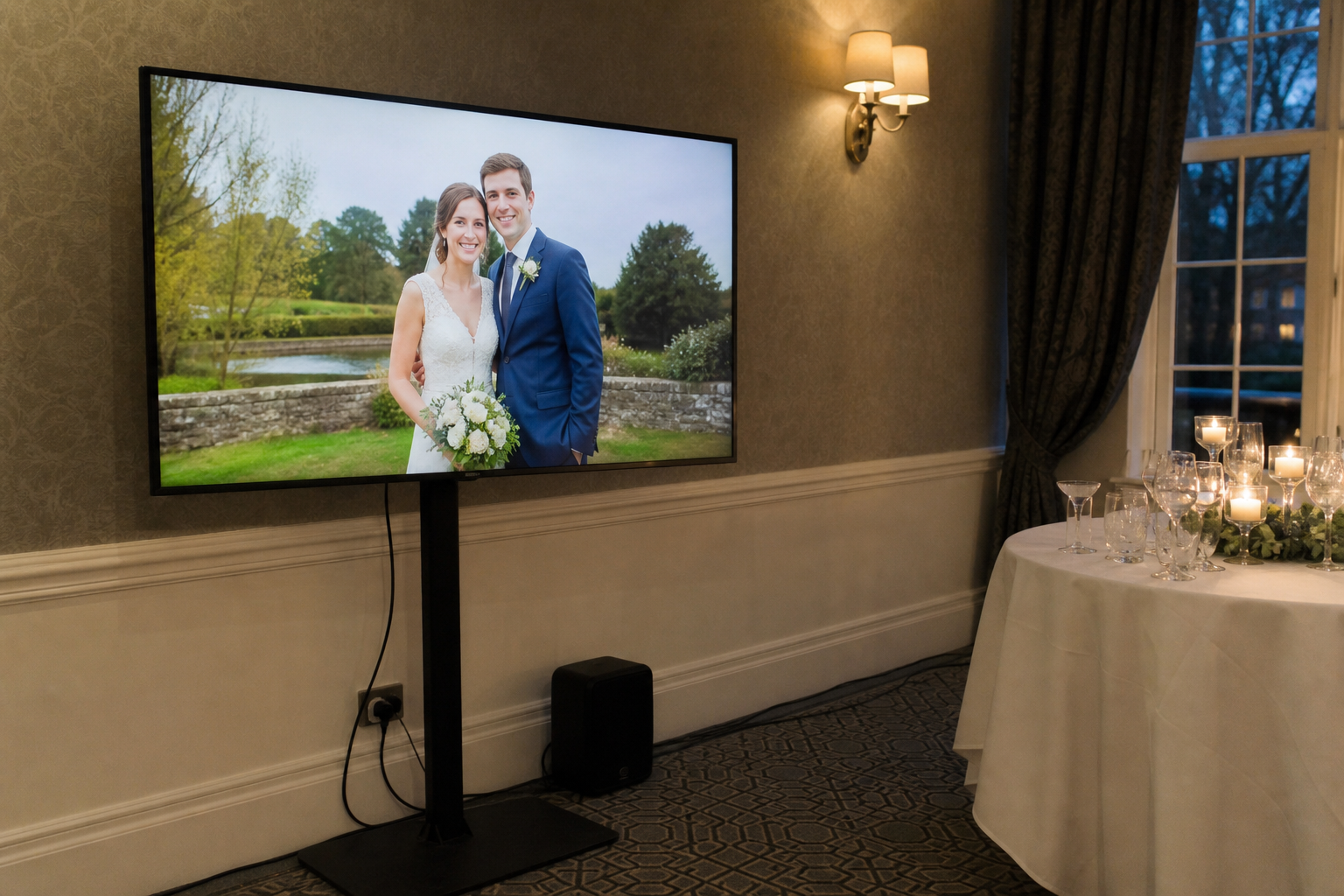
Wedding breakfast and speeches. Pause it, or dim it. If the only screen sits behind the top table, switch to a still couple portrait or a black frame until the speeches end.
After speeches, first dance, evening guests. Turn it back on. Quiet it once the last-train crowd starts to leave, and let it loop rather than compete with the DJ. If you only run it once, run it in the evening.
Light the room so people can see it
A projector loses to every other light. Do not aim it at a window, a white marquee wall at 4pm, or a string of bulbs in the throw. Give it a pale, matte surface and kill the downlighters on that patch. Village-hall fluorescents will wash a screen out; ask if the row nearest the stage can go off.
A TV is more forgiving, and the better choice for a bright drinks reception or a summer marquee. It still hates a spotlight on the glass. Do not put the screen in the photographer’s first-dance backdrop unless they have said yes. Test it at the hour you will use it.
Put one person on moderation
A private album and a three-metre wall are different jobs. What is funny at table twelve is not always funny behind the top table.
Nominate one person who is not making a speech and is not the couple. Give them the host view on a phone or iPad. They glance between courses and hide anything mean, the too-drunk shot, a photo of a child if you have not agreed that, a private moment, or anything that would upset a grandparent on a hotel ballroom wall.
Approve-before-show is kinder for a live display than publish-and-hope. If you cannot staff it, start the wall after dinner, or keep it on a smaller screen at the gift table.
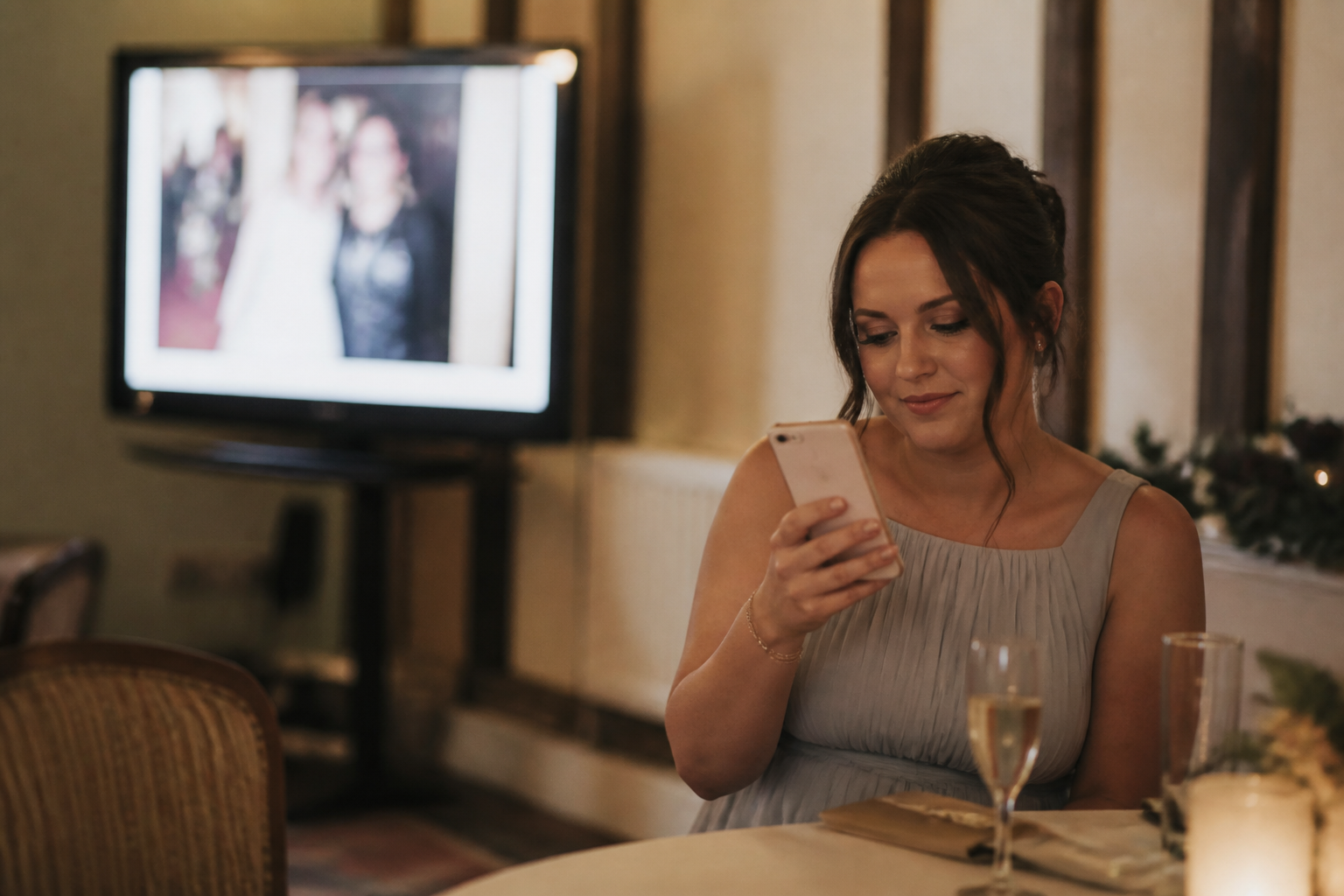
Table cards and a one-line MC script
One sentence on the table. One sentence from the room.
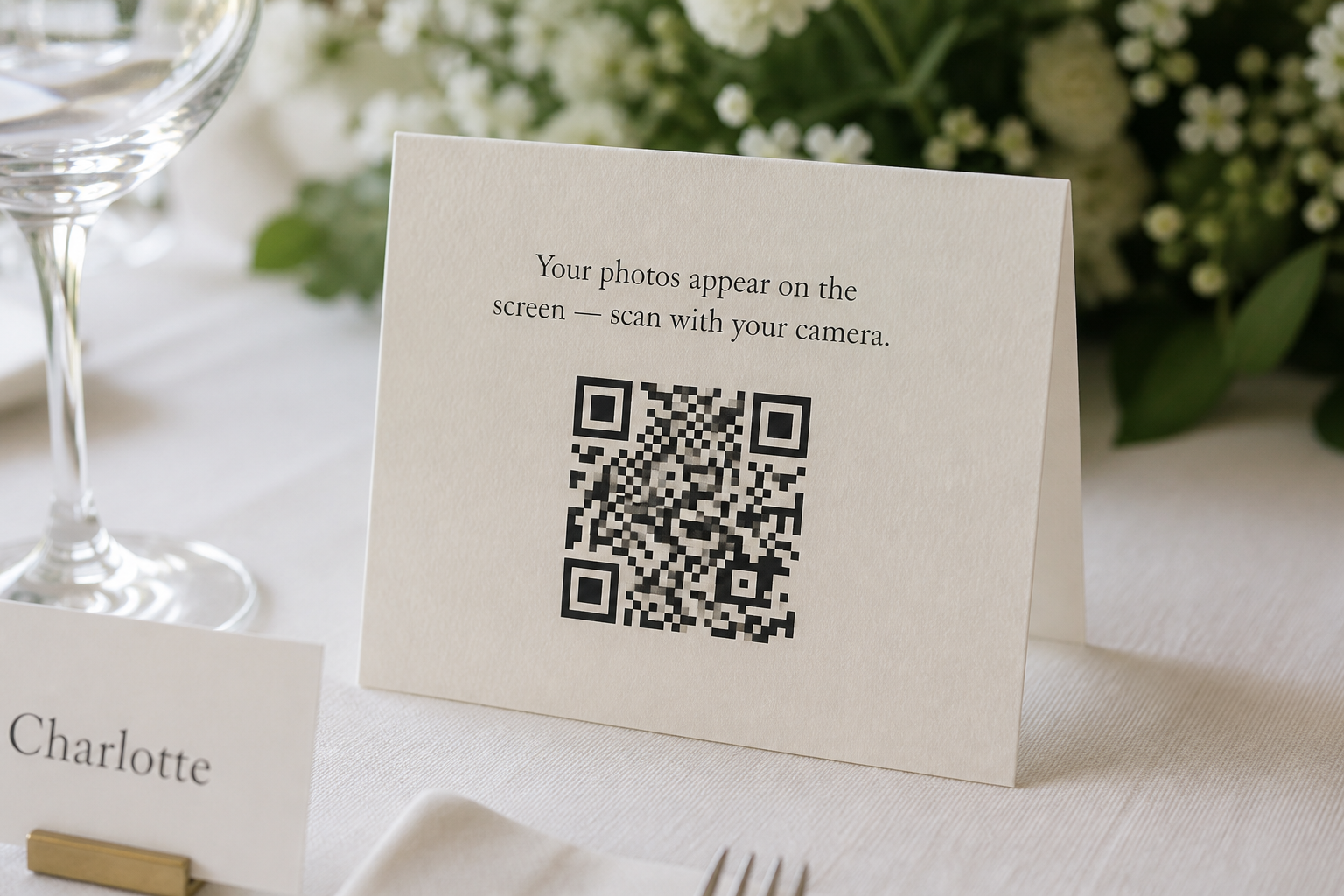
On the card: Scan with your camera to add a photo — it may appear on the screen.
For size and print, see how to make a wedding photo QR code that guests actually use.
Give the DJ, band or a confident usher this, once, after dinner or when evening guests arrive:
If you take a photo you are happy to share, there is a card on the table. Scan it with your camera, add the picture, and you might see it on the screen. No app to download. If you would rather keep it, that is fine too.
Say it once. Put the same private link in a family WhatsApp for anyone who missed the card.
If the Wi-Fi dies
Assume a barn or village hall has a thin guest network, and that a full reception will make it worse.
Guests can upload on mobile data. The display laptop should not sit on that congested guest Wi-Fi if you can avoid it. Ask for staff Wi-Fi or a wired socket, and test the laptop on the venue connection during afternoon setup.
If the wall drops, put the display laptop on a phone hotspot — only that machine — and switch the screen to a local folder of your own photos so it is never a spinning wheel. Keep collecting. A dark wall does not stop the album. Do not spend the speeches on hold to the venue’s IT person. The photos are not lost. The entertainment is paused.
When a paid live wall is worth it
A USB stick of your own pictures is a backup, not a live wall. A live wall needs a full-screen view that updates when guests add photos, and a way to hide a picture before it hits the room. Pay when you want that, plus one private place for the files, without a login briefing on the night.
GuestLive is built for that job. Guests scan a QR code or open a private link in the phone browser and add photos and videos. Hosts can run a live photo and video wall on a projector, TV or spare screen, and moderate what appears. The same event can hold RSVPs, voice notes, a playlist and a wedding fund. It is £29, once — not a monthly plan, and no guest app.
Frequently asked questions
Do you need Wi-Fi for a wedding photo wall?
You need a connection for the display, and guests need a way to send photos. That does not have to be the same network. Guests can use mobile data. Put the laptop on staff Wi-Fi, Ethernet, or a dedicated hotspot, and test it at the venue.
When should you turn the live wall on?
After the ceremony. Drinks first, then again after speeches when evening guests arrive. Off for vows. Paused for speeches. If you only have the kit for one block, use the evening.
Can you run a live photo wall during the ceremony?
No. Set it up in the reception room, and do not switch it on until people have a drink in their hand.
Who should moderate a wedding photo wall?
One person who is not the couple and is not about to give a speech. Give them the host view on a phone. If nobody can do that, keep the wall small or start it later.
Will a projector work in a marquee?
In daylight, rarely. Use a TV until dusk, or wait until evening. After dark, a projector on a pale, matte wall can work if you keep bulbs out of the throw.
A live photo wall is not the wedding album. It is a screen that makes a reception feel shared, if the cable, the timing and the moderator are in place. Get those right, and it earns a corner of the room. Get them wrong, and it is a bright rectangle competing with your vows.
Related stories
- When Do Wedding Guests Upload Their Photos? What GuestLive Data Shows — the wall is for the room; plenty of pictures still arrive once people are home.
- How to Make a Wedding Photo QR Code (That Guests Actually Use) — the table card, without turning this into another QR tutorial.
- Why Wedding Guests Won't Download a Photo App — why the upload should open in the camera or the browser, not a store.
Ready to start your own celebration?
Set up your event in minutes and start collecting memories with GuestLive.
Create Your Event Today with GuestLiveTags
Join the conversation
Comments are coming soon. Have feedback? Email us at hello@guestlive.co.uk