

Why Wedding Guests Won't Download a Photo App in 2026
Wedding guests will not download a photo app for one night. Here is why App Store walls fail at UK weddings, and what a camera-scan or browser album asks instead.

Written by
Guestlive Editorial
Wedding guests will not download a photo app for your wedding. They will scan a QR code with the phone camera, or open a private link, if it lands in the browser. They will not hunt for an App Store password, clear a storage warning, or install something they plan to delete on Sunday. That is not rudeness. It is how people treat a one-night tool on a work phone, at a rural venue with thin signal, or when a grandparent is trying to find the right glasses. If you want the candid photos, remove the download.
Last updated: 19 August 2026
Jump to
- What guests do when you send an app link
- Why the App Store fails at a wedding
- What an app-gated album asks of guests
- What a camera-scan or browser album asks instead
- App-gated album vs camera-scan
- How to brief guests without an IT script
- When a paid no-app album is worth it
- Frequently asked questions
What guests do when you send an app link
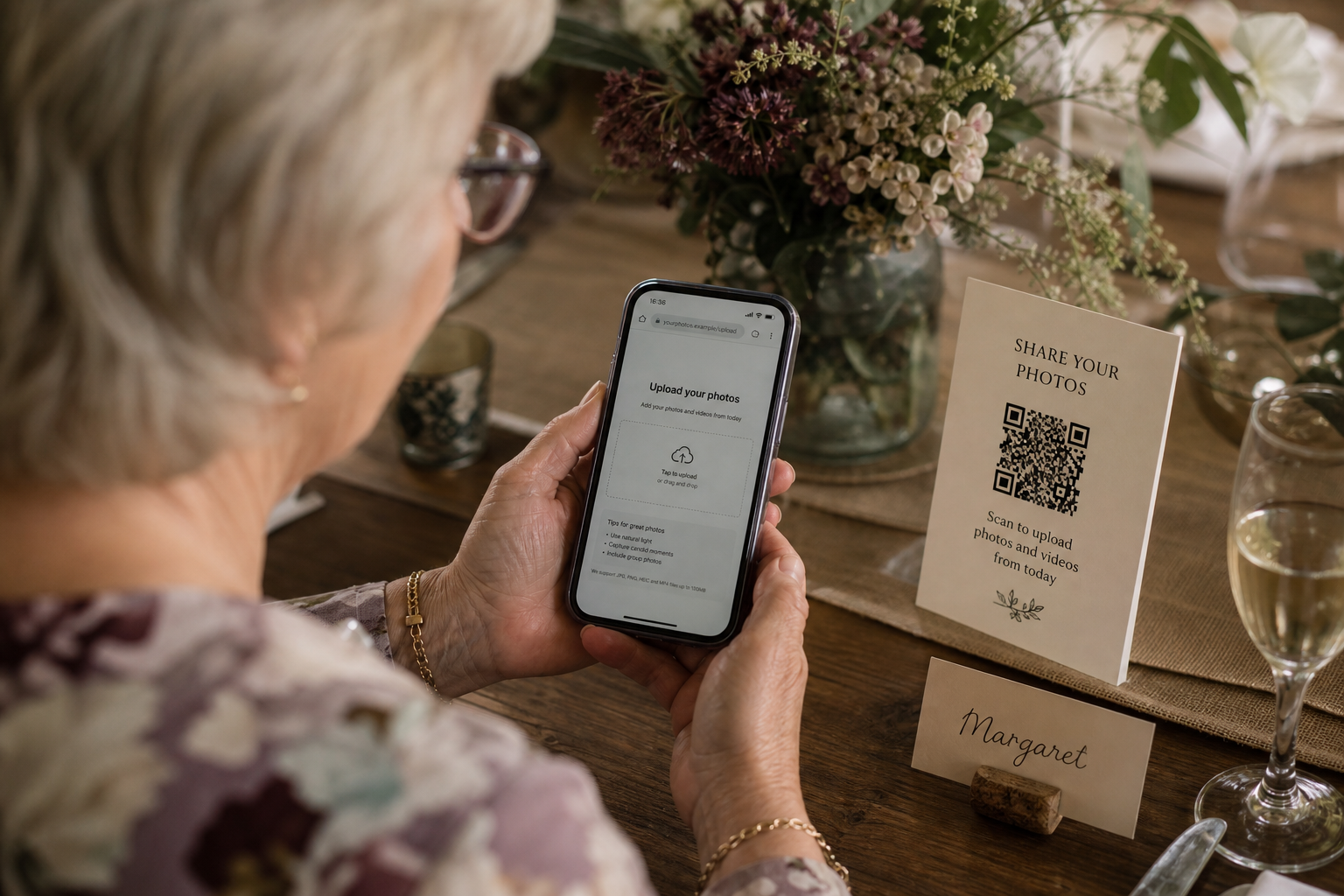
Speeches have just finished. Someone holds up a card: “Download the app to share your photos.” A friend who already has it opens it. Everybody else stalls at the App Store, a forgotten password, a storage warning, a blocked work phone, or a grandparent’s handset that last had an app installed three Christmases ago.
None of those people is being difficult. They came to talk, eat and dance. The photos stay in the camera roll, and you hear from the same few friends who always send pictures anyway.
The job is not “find a cleverer app.” The job is “do not ask guests to become IT support for your album.”
Why the App Store fails at a wedding
An app download is a small job at a kitchen table. It is a large job on a Saturday in a field.
Work phones. Plenty of UK guests bring a work phone. It may have no store, or a policy that blocks unknown apps. A camera-scan link still has a chance. An install does not.
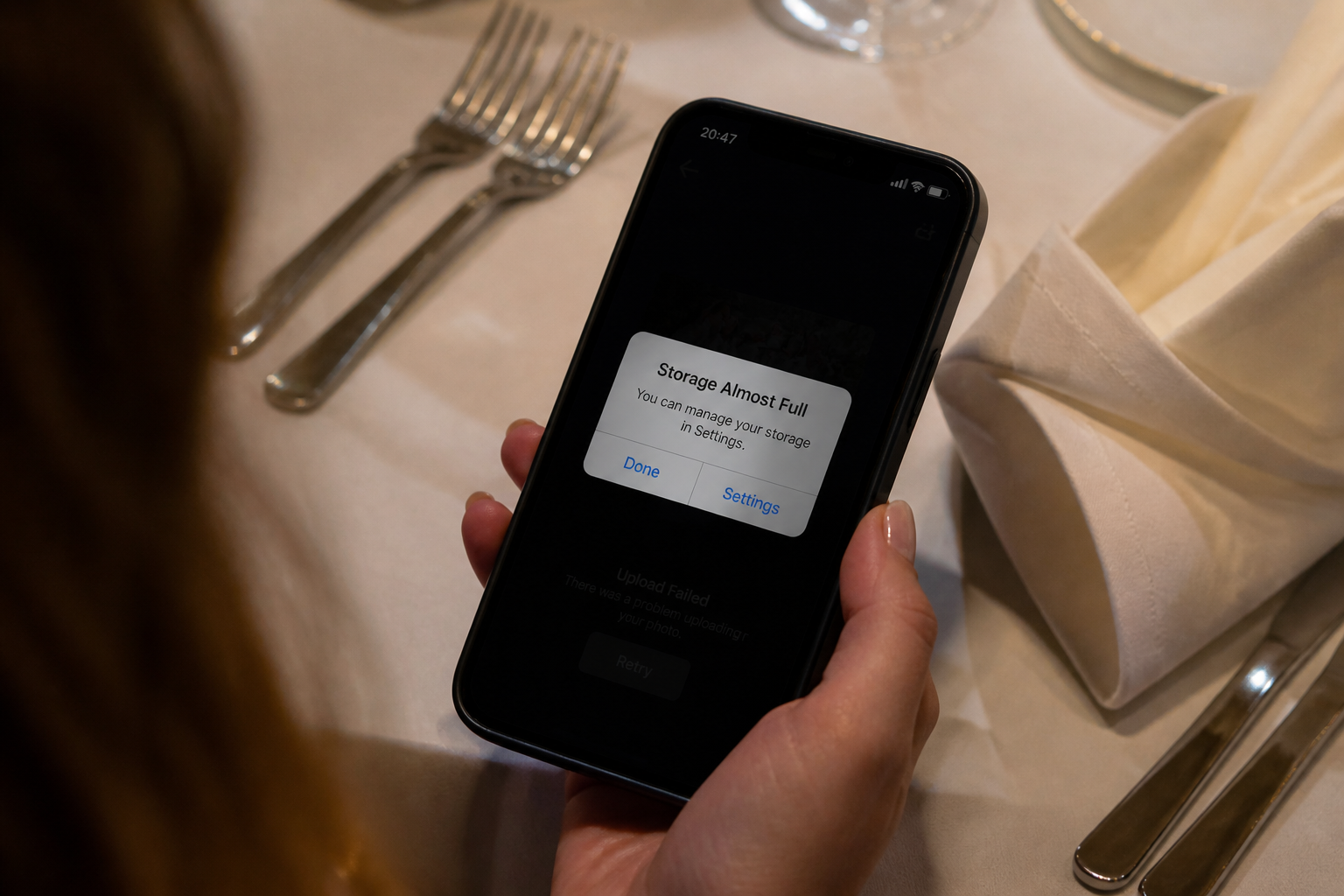
Storage warnings. “iPhone Storage Almost Full” is a wedding-day classic. Guests tap Cancel because they are not deleting holiday videos in a dinner jacket.
Logins. Older guests often share a family Apple ID. A twenty-year-old may not know the password either. Nobody resets it between the main course and the first dance.
Rural venues. Barns, churches, castles and tents are beautiful and poorly served. A light webpage can sometimes load. Fetching an app, creating an account and uploading video is a different request. Evening guests have even less patience for a spinning bar.
People mean to do it later. Then they get home, the app is still unopened, and the photos go to WhatsApp. If you want the pictures that arrive the next day as well as the ones from the dance floor, the destination has to work in the same browser, without a second install. That is also why when guests actually upload matters as much as the tool you pick.
What an app-gated album asks of guests
An app-gated album will not open properly until the guest has installed something. The QR code on the table is not the start of the upload. It is a pointer toward a store listing.
Hitched’s WedShoots album is a clear UK example. Their help page, checked on 19 August 2026, tells hosts to guide guests through this sequence: download the WedShoots app, choose “I’m a guest”, then scan the QR code from inside the app rather than with the phone’s ordinary camera. If the in-app camera struggles in low light, guests can type an alphanumeric code instead. Hitched also offers printable instruction cards, which is an honest clue that the join step needs explaining.
That flow works for a guest who already has the app. It is a poor flow for everyone else: the camera they know is the wrong scanner, and the download is not optional. This is not a ranking, and it is not a claim about how many people use WedShoots. It is the guest job — install, open, scan from inside, then upload. If your uncle cannot do the first step, you never reach the fourth.
What a camera-scan or browser album asks instead
Guests open the camera, point it at the code, tap the banner, and a private page opens in Safari or Chrome. They add a name if you ask for one, choose photos or a short video, and send. There is no store, no new icon, and nothing to delete on Sunday.
The same page should open from a private link in your thank-you message, so evening guests and people who missed the sign can still contribute from the sofa. A shared Google Drive folder often fails for a related reason: it looks free and familiar, then asks for a Google sign-in the first time someone tries to add a file.
A browser album is not magic. The page still needs to be fast, private and obvious. What you have removed is the part guests refuse to do.
If you later want a code on stationery, see how to make a wedding photo QR code that guests actually use. The decision here is earlier: choose a destination that does not start in an app store.
App-gated album vs camera-scan
| Guest job | App-gated album | Camera-scan / browser album |
|---|---|---|
| First step | Download from the App Store or Play Store | Open the camera, or tap a private link |
| How the QR is scanned | Often from inside the app | With the phone camera |
| Account or login | Apple ID, Google account, or an in-app profile | Usually a name, if anything |
| Work phones | Store may be blocked | Uses the browser already on the handset |
| Grandparents | Need help installing and signing in | Same camera they use for photographs |
| After the wedding | The app may still be required | The same link works from a Sunday message |
If any row on the left would stop your least technical day guest, do not rely on that album.
How to brief guests without an IT script
You need one sentence they can read while holding a drink.
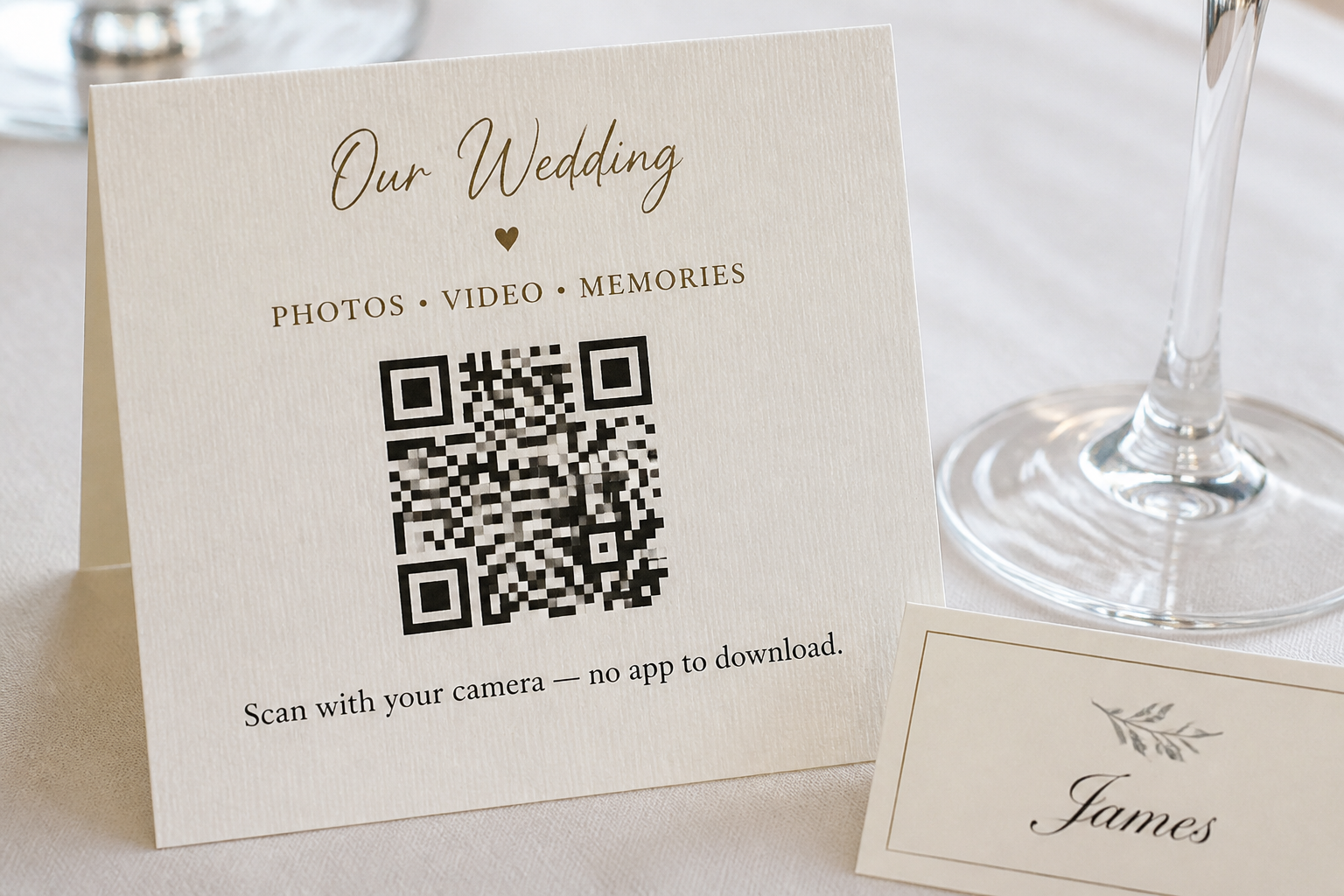
On a table card or welcome sign, prefer:
Scan with your camera to add photos — no app to download.
Avoid:
Download our wedding app and join the album.
The second line sounds organised. It is also the line guests skip.
A WhatsApp or text can be just as short:
We would love your photos. No app — open this link and add what you like. Evening guests, the same link still works tomorrow.
Send the link, not only a picture of a QR code. A code is useful on paper. A tap is easier on the phone that already holds the pictures. If someone asks “which app is it?”, say there isn’t one.
When a paid no-app album is worth it
You do not have to buy anything. A family WhatsApp group will collect a lot of images if everyone is already in it. You will also get screenshots, broken videos, and no quiet way to hide a photo nobody should have taken. AirDrop or email works for a tiny guest list and falls apart once the room is full.
Pay when you want one private place, photos and videos together, and a link you can put on paper without teaching anyone a new login. That is a product, not a free website.
GuestLive is built for that job. Guests scan a QR code or open a private link in the phone browser. They can add photos, videos and voice notes without installing anything. The same event can hold RSVPs, invitations, a live wall, a playlist and a wedding fund, so you are not running five tools for one Saturday. It is £29, once, for the event — not a free plan with a surprise invoice later.
If you are still comparing tools, the longer round-up lives on the best wedding photo sharing app page. The useful test is the same in every case: can your grandmother upload from the browser she already has?
Frequently asked questions
Do guests need the WedShoots app?
Yes, if you are using Hitched WedShoots. As of 19 August 2026, their help page says guests download the app, choose “I’m a guest”, and scan from inside that app rather than with the phone camera. They can type the album code if the in-app camera fails.
Can older guests upload without an iPhone login?
They can if the album opens in the browser. They struggle if the first screen is the App Store, an Apple ID prompt, or a “create your account” wall. Hand a spare older phone to someone in your family this week and ask them to add one photo with no coaching.
Will guests download a wedding photo app if I ask nicely?
A few will. Most will not. Design for the guest who smiles, puts the phone away, and means to do it later.
What if the venue has poor signal?
Assume it does. Pick a page light enough to open on a single bar, and keep the same private link for the morning after, when guests are on home Wi-Fi.
Can evening guests still add photos the next day?
They should be able to, from the same link, without installing anything overnight. If the album only works for people who set the app up at 2pm, you have built a day-guest tool.
Is there a free way to collect wedding photos without an app?
Yes. WhatsApp, iMessage, email and a shared folder will all move files. They are free because they are not a wedding album: messy, hard to moderate, and often blocked by a login. Pay when you want one private gallery that grandparents can use without a briefing.
A wedding photo app is easy to love on a planning spreadsheet. It is hard to love in a dinner jacket, on a work phone, with a storage warning and one bar of signal. Choose the album your guests can open with the camera they already have.
Related stories
- When Do Wedding Guests Upload Their Photos? What GuestLive Data Shows — when the pictures actually arrive, and why the gallery should still be open on Sunday.
- Why Google Drive Isn’t Always the Best Way to Collect Event Photos — another familiar tool that can stop guests at a sign-in.
- How to Make a Wedding Photo QR Code (That Guests Actually Use) — once you have chosen a no-app album, how to put the code on paper.
Ready to start your own celebration?
Set up your event in minutes and start collecting memories with GuestLive.
Create Your Event Today with GuestLiveTags
Join the conversation
Comments are coming soon. Have feedback? Email us at hello@guestlive.co.uk