

How to Plan a UK Wedding Weekend Itinerary Guests Can Follow
Stretching your wedding over a weekend? Here's how to plan a UK wedding weekend itinerary that guests can actually follow: what to include, how to label optional events, and how to share it without a flood of questions.

Written by
Guestlive Editorial
More UK couples are turning one wedding day into a whole weekend: Friday drinks at the pub near the venue, the wedding on Saturday, and a lazy brunch on Sunday before everyone drives home. Guests love it, as long as they know what's happening, where, when, and whether they're actually invited to each part. The weekends that feel effortless aren't the ones with the most events. They're the ones where every guest can glance at a phone and know exactly where to be next.
Last updated: 28 October 2026

Jump to
- What a wedding weekend itinerary actually needs to do
- Decide the shape of your weekend first
- What to include for every event
- Essential, optional and invite-only events
- A sample UK wedding weekend itinerary
- Travel, rooms and the bits guests worry about
- How to share the itinerary so people use it
- Keeping it up to date over the weekend
- One link for the whole weekend with GuestLive
- Frequently asked questions
- Related reading
What a wedding weekend itinerary actually needs to do
A wedding weekend itinerary has one job: answer "where do I need to be, and when?" before anyone has to ask. It isn't the order of service and it isn't your supplier timeline. Guests don't need to know when the florist arrives or when the cake is cut. They need arrival times, addresses, what to wear, how to get there and how to get back.
A good test is to imagine a guest who has just driven three hours, checked into a B&B and has ten minutes before they need to leave. If they can open your itinerary and find the next event, its postcode and the dress code in under a minute, it works.
Decide the shape of your weekend first
Before you write anything down, settle the big decisions. Every change after the save-the-dates go out means another round of messages.
- How many days? Friday to Sunday is the usual UK shape. A Thursday arrival makes sense for destination or long-distance weddings, but most guests will only take one day off work.
- Who is invited to what? Many couples keep Friday drinks to close family and the wedding party, invite everyone to Saturday, and make Sunday brunch open to anyone still around.
- Who is paying? Be clear whether the Friday meal or Sunday brunch is hosted, or a "come along and buy your own" get-together. Guests genuinely want to know.
- How far apart are the venues? Keeping everything within walking distance, or at least one short taxi ride, makes the weekend far easier for everyone.
Fewer, better-spaced events beat a packed schedule. Leave guests some free time: a gap on Saturday morning for breakfast and getting ready is a kindness, not a missed opportunity.
What to include for every event
Each event on your itinerary should carry the same handful of details, laid out the same way, so guests can scan it quickly:
- Event name and day, for example "Friday welcome drinks".
- Start and end time. "From 7pm" helps; "7pm to 10pm" helps more.
- Venue name and full postcode, plus a map link. Postcodes matter for sat navs and taxis, especially at rural venues.
- Who it's for: everyone, wedding party only, or evening guests.
- Dress code in plain words: "smart casual", "black tie", "wellies welcome".
- Food and drink: whether a meal is included or guests pay their own way.
- Getting there and back: parking, shuttle times, last trains and taxi numbers.
If an event has an RSVP of its own, such as a Sunday brunch with a set headcount, say so clearly and give it a deadline.
Essential, optional and invite-only events
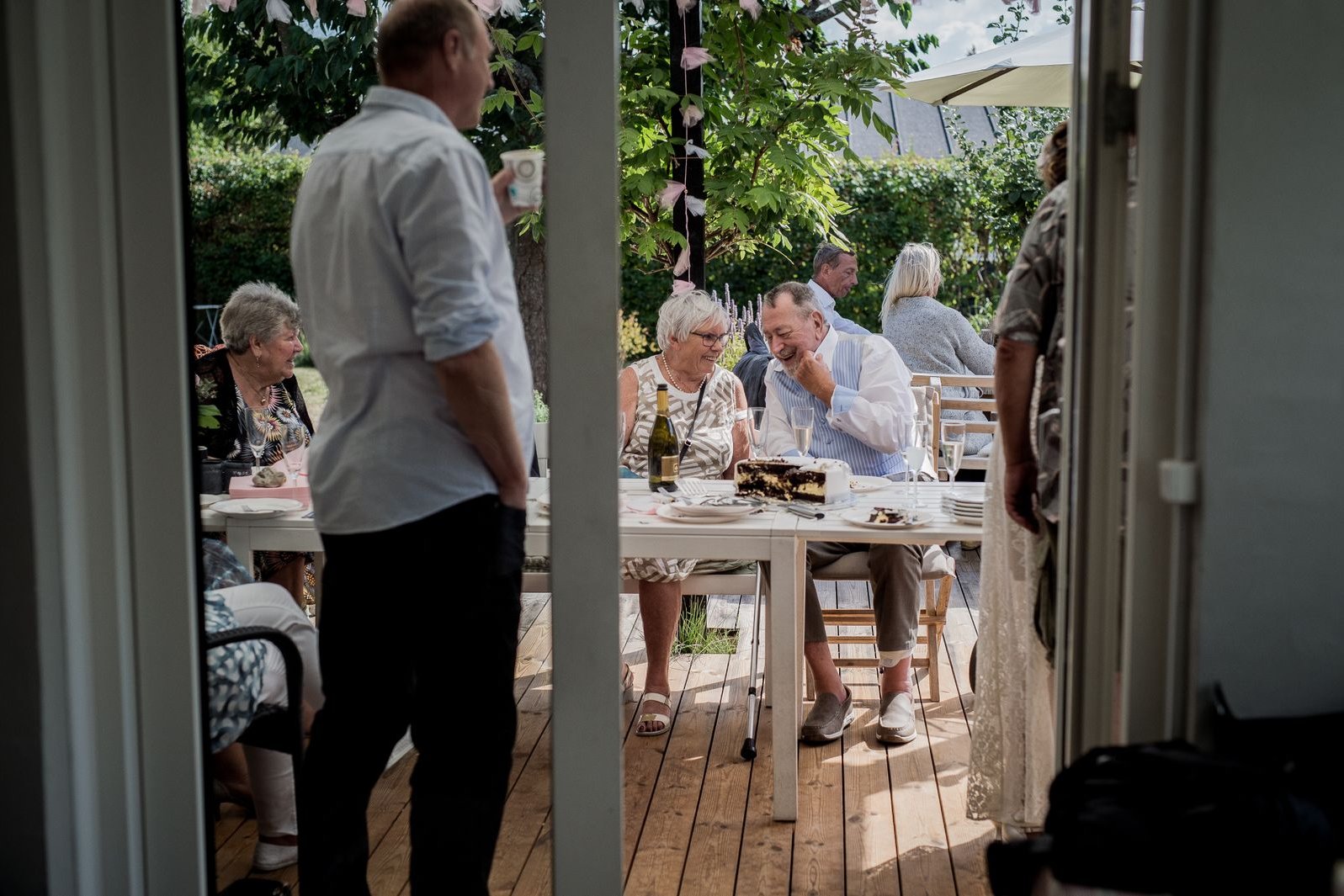
Most of the confusion around wedding weekends comes from guests not knowing which parts they're expected at. Label every event plainly. A small "optional" next to the Sunday walk takes the pressure off anyone with a long drive home.
If some events are invite-only, the kindest approach is not to show them to people who aren't invited, rather than listing them with a "family only" note. If you're also mixing day and evening guests on the Saturday, our guide to day and evening guests on one wedding website covers how to give each group the right times without two separate sites.
A sample UK wedding weekend itinerary
Here's a typical Friday-to-Sunday layout you can adapt. Times are examples only; work back from your ceremony time and your venue's rules.
| Day | Event | Time | Who's invited | Notes for guests |
|---|---|---|---|---|
| Friday | Welcome drinks at a local pub | 7pm to 10pm | Everyone arriving Friday | Optional. Pay your own way; nibbles provided |
| Saturday | Free morning | Until 1pm | Everyone | Breakfast at your accommodation |
| Saturday | Ceremony | 2pm (arrive by 1.30pm) | Day guests | Smart or formal dress; parking on site |
| Saturday | Drinks, meal and speeches | 3pm to 7pm | Day guests | Dietary needs taken at RSVP |
| Saturday | Evening reception | From 7.30pm | Day and evening guests | Shuttle to town at 11.30pm and midnight |
| Sunday | Recovery brunch | 11am to 1pm | Anyone still around | Optional. Hosted, so please RSVP by the deadline |
Notice what the table leaves out: the photographer's schedule, the first dance timing and the supplier load-out. Guests don't need them, and every extra line makes the important ones harder to find.
Travel, rooms and the bits guests worry about
Most weekend questions are logistical. Answer them on the itinerary itself rather than in a separate document:
- Accommodation: two or three options at different prices, any room block or code, and the booking deadline.
- Trains and taxis: nearest station, last trains on Saturday night and the numbers of local taxi firms. Rural taxis get booked up quickly, so suggest guests book ahead.
- Parking: whether cars can stay overnight at the venue and when they must be collected.
- Children: whether they're invited to each event, not just the wedding itself.
- Accessibility: step-free access, distances between venues and somewhere quiet to sit.

How to share the itinerary so people use it
A beautifully designed PDF tends to get lost in an email inbox. A printed card is lovely but can't change when plans do. What works best for most couples is a single link that opens on any phone:
- Put it on the save-the-date so guests can book rooms early, then repeat it on the invitation.
- Use a QR code on printed stationery and at each venue, so guests can scan rather than type.
- Keep it mobile-first: one event per block, times in bold, postcodes tappable.
- Skip the sign-up. If guests need to download an app or create an account, many simply won't. Our guide to a UK wedding website guests will actually use goes into this in more detail.
Resist putting the itinerary only in a group chat. Messages get buried under memes and voice notes within hours. If you've already got a busy WhatsApp group, here's how to step away from the WhatsApp wedding group calmly.
Keeping it up to date over the weekend
Plans shift: rain moves the drinks inside, a shuttle runs late, brunch moves to a bigger room. Make the itinerary your single source of truth:
- Update the itinerary first, then message guests with a short note pointing to it.
- Hand one trusted person the job of answering "what time is…?" questions on the day, so you're not checking your phone during the speeches.
- Add a short "final details" note the week before, with weather plans and taxi numbers.
One link for the whole weekend with GuestLive
If you'd rather not juggle a website, a spreadsheet and a group chat, GuestLive keeps the whole weekend behind one link. Guests scan a QR code or open the link in their phone browser, with no app to download and no account to create.
- Publish your schedule so every guest can see the weekend's events, times and places in one place.
- Digital invitations and RSVPs, including meal choices and dietary needs, with email and SMS tools to share updates when plans change.
- A shared photo and video album so photos from Friday drinks to Sunday brunch end up together. It never expires, so guests can add to it whenever they get round to it.
- Funds, a voice-note guestbook and a guest playlist if you want them.
Every feature can be switched off, so guests only see the parts you're actually using.
GuestLive is £29, once, for every feature, with no guest app and no guest limits. See the pricing page for details.
Frequently asked questions
Do we have to invite every guest to every part of the wedding weekend?
No. It's common to keep Friday drinks small and open Sunday brunch to anyone still around. Just make sure guests only see the events they're invited to, and that each one is clearly labelled.
Are guests expected to pay for wedding weekend events?
The Saturday wedding is hosted. For Friday and Sunday, either is fine, but say which. "Pay your own way" or "hosted, please RSVP" next to each event avoids awkward moments.
When should we send the wedding weekend itinerary?
Share the outline of the weekend with your save-the-dates so guests can book accommodation, then add full times and details with the invitation. Send a short final-details reminder the week before.
How long should a wedding weekend itinerary be?
As short as possible. Most work best as five or six events, each with a time, place, postcode, dress code and a note on who's invited.
Should we print the itinerary or keep it online?
Both can work together. A small printed card in welcome bags or at the B&B is a nice touch, but keep the live version online so last-minute changes reach everyone.
What if the weather changes our plans?
Include a wet-weather plan for outdoor events from the start, then update the online itinerary first and send a brief message pointing guests to it.
Related reading
Ready to start your own celebration?
Set up your event in minutes and start collecting memories with GuestLive.
Create Your Event Today with GuestLiveTags
Join the conversation
Comments are coming soon. Have feedback? Email us at hello@guestlive.co.uk